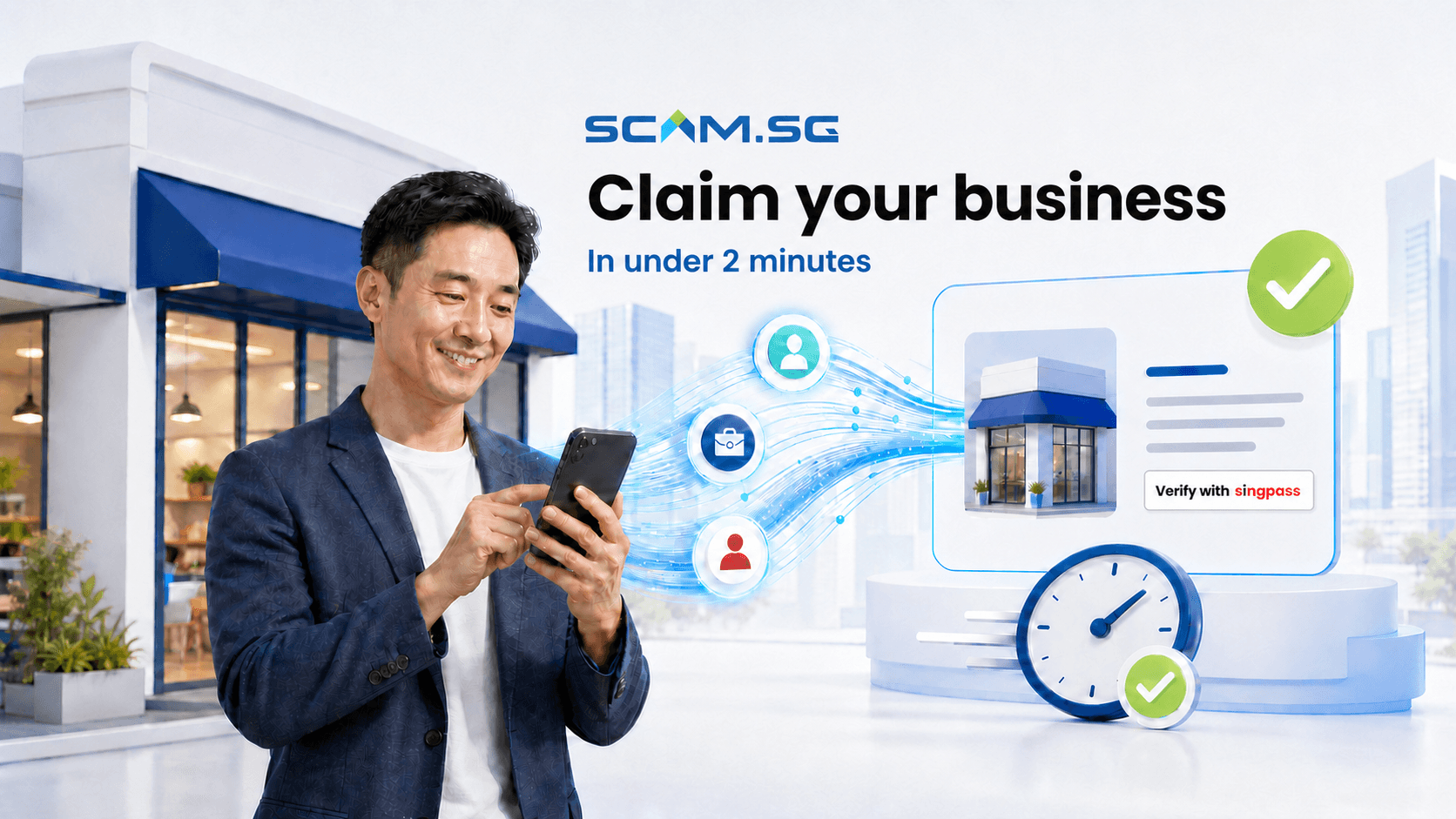
Claiming your business profile should not feel like another piece of paperwork. Scam.SG has integrated Singpass Myinfo Business into its business claim process, giving eligible business owners and authorised representatives a faster way to establish control of their company profile.
With the new integration, you can complete and submit a business claim on Scam.SG in under two minutes. Instead of repeatedly typing company information or uploading multiple documents, you can securely retrieve relevant business details from government sources, review them and submit your claim through a guided digital journey.
What is Myinfo Business?
Myinfo Business enables organisations to retrieve verified corporate and applicant data from government sources for digital transactions. An authorised user gives consent before the relevant information is shared with a participating service.
The service works alongside Corppass, Singapore’s corporate authorisation system. Corppass enables entities to manage who may transact digitally on their behalf, while Singpass authenticates the individual using the service. Together, they provide a secure way to confirm both the person and the organisation they are authorised to represent.
For business owners, this means less manual form filling. For Scam.SG, it provides more reliable information with which to assess a claim. You remain in control: the requested data is shown for review and shared only after you provide consent.
A faster way to claim a business profile in Singapore
The manual route remains available, but it can require more data entry and supporting evidence. Details must be checked, documents may need to be uploaded, and incomplete or inconsistent information can slow the process down.
The Myinfo Business journey removes much of that friction. It can help you:
- complete and submit an eligible claim in under two minutes;
- reduce repetitive typing and common form errors;
- retrieve relevant business information from trusted government sources;
- establish a clearer link between the applicant and the entity; and
- move into Scam.SG’s review process sooner.
It is a small change in time spent, but a meaningful improvement for a busy owner. A task that might otherwise be postponed can now be completed between meetings, before opening a shop or while travelling between appointments.
Before you begin: assign the Scam.SG Business e-Service in Corppass
This is the step most business owners miss. Corppass does not automatically give you access to every e-Service. Before anyone in your organisation can complete a Myinfo Business claim, a Corppass Administrator has to add the Scam.SG Business e-Service to your entity and then assign it to the specific user account that will submit the claim. If either step is missing, the Singpass login step will stop you before you reach the consent screen.
Step 1 — Add the e-Service to your entity
Log in to corppass.gov.sg with Singpass as a Corppass Administrator and select the entity you want to claim for. Then:
- go to e-Service Access → Select Entity's e-Services;
- search for scam.sg in the search box on the right of the table;
- tick the checkbox next to Scam.SG Business, listed under ONSCAM (SG) PTE. LTD.;
- click Next and complete Enter Details if the e-Service asks for any; and
- confirm at Review & Submit.
Step 2 — Assign the e-Service to a user
Adding an e-Service only makes it available to your entity. It does not grant anyone access to it yet. To finish the setup:
- go to e-Service Access → Assign Selected e-Services;
- select the user account or accounts that will submit the Scam.SG claim;
- select Scam.SG Business from the entity's assigned e-Services; and
- submit the assignment.
How to claim your business with Myinfo Business
1. Create or access your Scam.SG business account
Start from the Scam.SG signup journey. Use a business email address that you can access, complete the account verification steps and continue to the business claim flow.
2. Choose Verify with Singpass Myinfo Business
Select the recommended Myinfo Business option. You will need a working Singpass account and the appropriate Corppass authorisation for the entity you want to claim.
3. Authenticate and provide consent
Continue to the official authentication journey and log in using Singpass as a Corppass user. Review the information requested for the transaction and provide consent only when you are satisfied. If you are told you have no access to this e-Service, the Corppass assignment described above has not been completed for your account.
4. Review the retrieved business details
Confirm that the selected entity and displayed information are correct. Although the data comes from trusted government sources, you should still check that it is the business you intend to claim.
5. Submit your claim
Confirm the details and submit. For most eligible users with the necessary access ready, the full claim journey can be completed in under two minutes. Scam.SG then reviews the submission and provides an update; submission does not by itself mean that the claim has been approved.
Why accurate business profiles matter
A business profile is often one of the first places a customer looks when deciding whether a company appears credible. If the information is incomplete, outdated or unmanaged, a legitimate business may miss an opportunity to build confidence.
Claiming your Scam.SG profile gives your organisation a foundation from which to manage its presence on the platform. After approval, you can enrich company information, review relevant status and risk indicators, monitor your TrustScore and access available trust-building features.
Accurate profiles also contribute to a healthier digital business environment. Customers can make decisions using clearer information, while legitimate businesses have a stronger way to distinguish themselves from impersonators, misleading listings and fraudulent operators.
A successful claim should not be confused with independent verification or certification. Claiming establishes your ability to manage the profile. Any separate Scam.SG assessment, TrustScore, verified status or certificate has its own criteria and process.
Security and privacy are built into the journey
Speed matters only when it is paired with trust. Myinfo Business supports secure digital transactions by allowing authorised users to consent to the retrieval of relevant information from government sources. Corppass provides the corporate authorisation layer, Singpass authenticates the individual, and Scam.SG uses the retrieved information for the authorised claim purpose.
This approach reduces the need to send business information through less structured channels or repeatedly upload copies of documents. It also limits common data-entry issues such as misspelled entity names, transposed registration numbers and outdated form fields.
You should still practise good digital security:
- begin the journey from the official Scam.SG website or dashboard;
- never share your Singpass password or app passcode with another person;
- read the consent screen before approving the data retrieval;
- confirm that the correct business entity is selected; and
- stop if a page or request looks unusual.
Scam.SG does not need you to disclose your Singpass credentials directly to complete a claim.
What you need before you begin
To enjoy the fastest claim journey, prepare the following:
- a working Singpass account;
- access to Corppass for the business or entity;
- the appropriate role or authorisation to transact for that entity;
- the Scam.SG Business e-Service added to your entity and assigned to your Corppass user account (see the Corppass setup steps above); and
- a few uninterrupted minutes to authenticate, review and submit.
If you cannot use Myinfo Business, you may continue with the manual claim option. Manual submissions may require additional information or supporting documents and generally take longer to complete and review.
Built for Singapore’s small business owners
Time is especially valuable for small and medium-sized enterprises. The person responsible for a business profile may also be managing customers, sales, staffing, operations and finance. Digital trust tasks are important, but they compete with the day-to-day work of running the company.
By reducing the claim journey to under two minutes for eligible users, Scam.SG makes it easier for legitimate businesses to take ownership of their profiles. There is no need to wait until you have time for a long form or a folder of documents. If your Singpass and Corppass access is ready, you can act immediately.
What happens after you submit the claim?
Your submission enters Scam.SG’s review process. The team checks that the claim relates to the correct business profile and that the applicant has the authority needed to manage it. Myinfo Business provides a stronger starting point by supplying relevant information through an authorised digital journey, but it does not remove Scam.SG’s responsibility to review the claim before handing over profile access.
Most Myinfo Business claims are expected to receive an update within three working days. More complex cases can take longer if the information is incomplete, does not match the selected entity or requires additional evidence. Watch the email address connected to your Scam.SG account for the outcome or any follow-up request.
Once approved, you can manage and enrich the business profile from the Scam.SG dashboard. You can update company information, add relevant digital channels, monitor your TrustScore and access available trust-building features. These profile-management rights remain separate from any independent verification or certification assessment.
Frequently asked questions
Eligible users can complete and submit the Myinfo Business claim journey in under two minutes when their Singpass and Corppass access is ready. Review and approval happen separately.
Claim your Scam.SG business profile today
Building digital trust can start with one simple action: taking ownership of your business profile. With Singpass Myinfo Business integrated into Scam.SG, eligible owners and authorised representatives can complete and submit a claim securely in under two minutes—with less typing, less paperwork and greater confidence in the information provided.
Ready to begin?
Claim your business in under two minutes
Assign the Scam.SG Business e-Service in Corppass, have your Singpass ready, then complete the secure claim journey.
Claim My Business